
2026-11-09
Microsoft Teams makes it incredibly easy to start a conversation. Need a quick answer? Send a chat. Need a few people involved? Start a group chat.
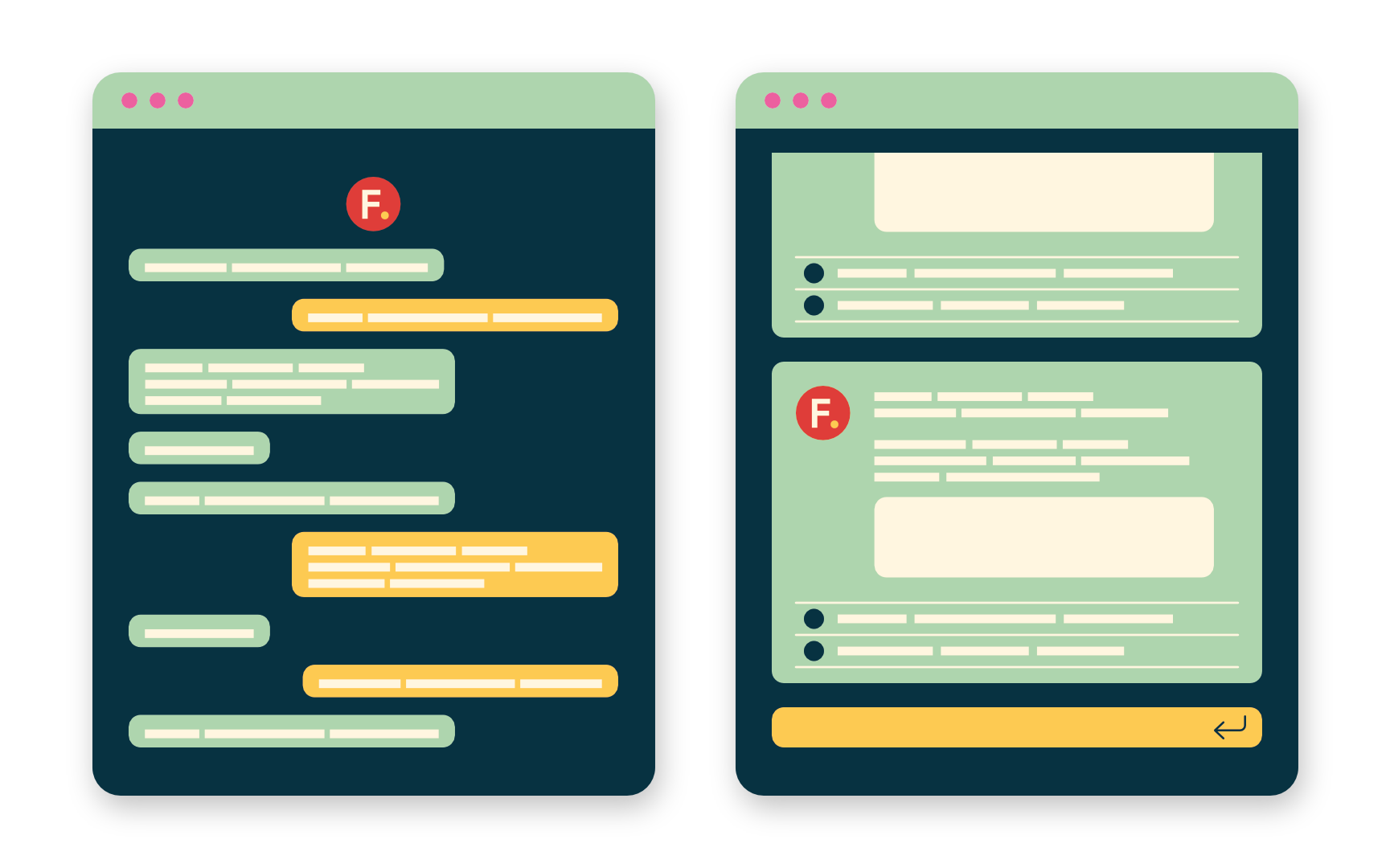
Before long, though, useful discussions can be spread across dozens of conversations between different combinations of people. The question isn’t whether chat is useful. It’s whether the conversation belongs to the people having it, or to something bigger.
Chat works well for quick, informal and genuinely person-to-person conversations. Channels make more sense when the discussion belongs to a project, team or subject. A conversation about BIM standards, for example, may be useful to everyone involved in digital delivery, including somebody who joins six months from now. Put it in a private chat and that knowledge stays with the people who happened to be there. Put it in the right channel and it becomes part of an ongoing conversation others can find, understand and contribute to.
Projects make that distinction particularly important. Decisions are discussed, information is shared and context develops over months or years. A project Team can give those everyday conversations a home alongside the people and resources associated with the project. Files shared through channels sit within the project’s SharePoint environment, conversations remain available as the team changes, and somebody joining later can see what happened before they arrived rather than starting from scratch.
That becomes particularly valuable when SharePoint is already being used for other organisational information. Project resources can sit within the same connected environment as company guidance, templates, technical resources and other shared knowledge, while still maintaining clear boundaries between project and organisational information. The everyday working environment becomes more connected, with fewer jumps between unrelated locations simply to find the information needed to get something done.
None of this means everything should become a channel conversation. Nobody needs a permanent organisational record of every quick question, lunch arrangement or passing thought. Too many channels create their own friction, and forcing informal conversation into rigid structures misses much of what makes Teams useful in the first place.
Perhaps the simplest test is ownership.
If the conversation belongs to the people having it, use chat. If it belongs to a project, team or subject, give it a channel. Over time, that small distinction can make the difference between useful knowledge accumulating somewhere others can find it and disappearing into thousands of individual chat histories.


