Why your Office Templates Should Live in SharePoint
2026-09-16
Many organisations still keep their Word, Excel and PowerPoint templates on shared drives, in email attachments or, worse still, on individual computers. That makes it difficult to know whether you’re using the latest version and almost guarantees that different teams will gradually develop their own copies. SharePoint solves this by providing a central template library that is easy to manage, search and keep up to date.
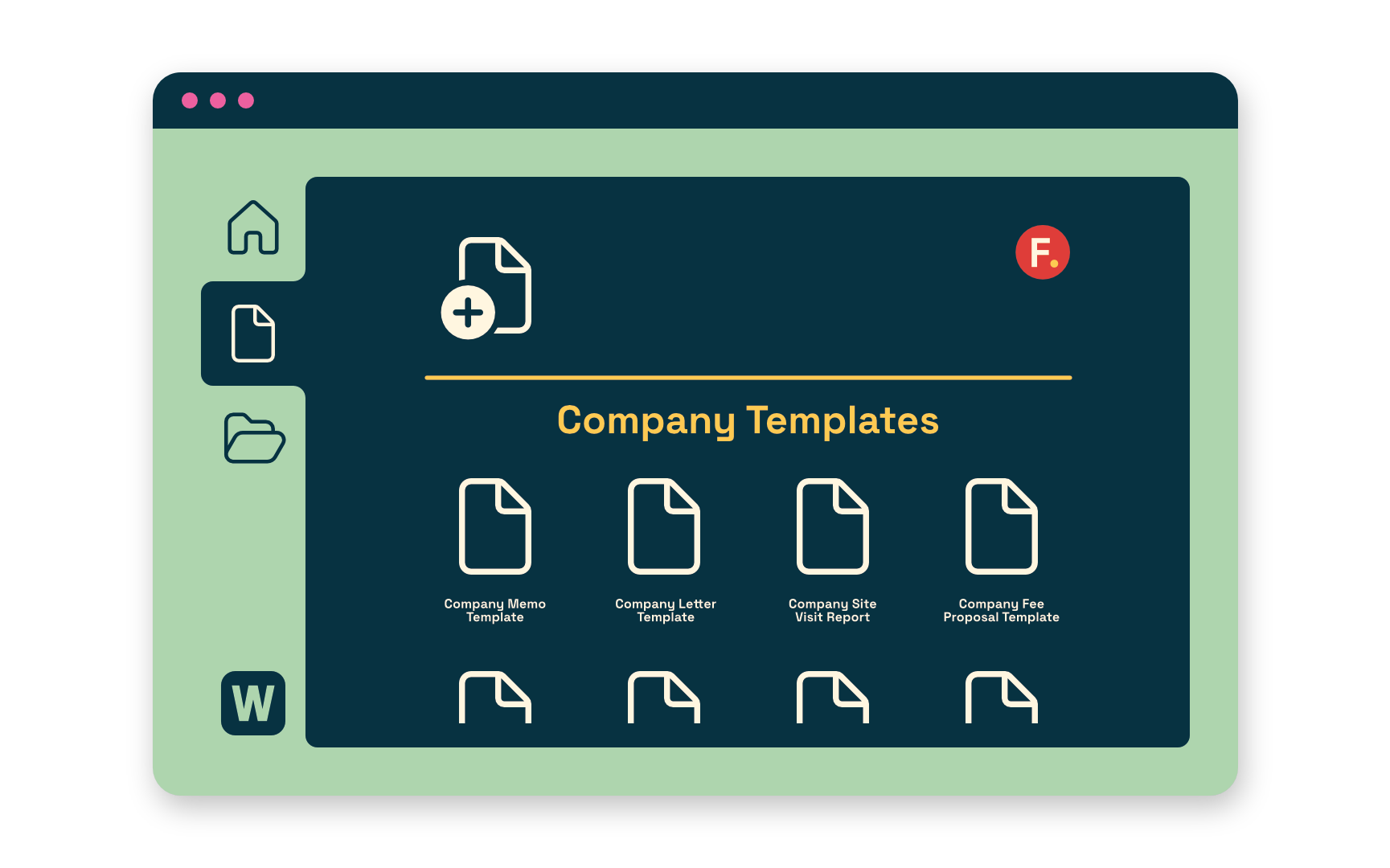
What many people don’t realise is that templates stored in SharePoint don’t have to stay in the browser. Microsoft 365 desktop applications can use them too.
Once a SharePoint document library is configured as an organisation’s assets library, users creating a new document in Word, Excel or PowerPoint will see the approved templates alongside Microsoft’s own. Selecting one creates a new document without altering the original template, giving staff a familiar experience while ensuring everyone starts from the same approved version.
This approach also makes template management far simpler. Need to update your report cover sheet, add a new company logo or revise a meeting minute template? Update the master template in SharePoint once, and every new document created from that point onwards uses the latest version. There is no need to distribute files, ask staff to replace local copies or wonder which version someone has used.
Whether it’s a site inspection, technical report, RFI register or fee proposal, keeping templates in SharePoint helps turn Microsoft 365 into a true knowledge platform, ensuring every project starts with the right information before a single word is written.
For AEC organisations, templates are more than branded stationery. They embed standards, quality processes and best practice into everyday work.